How Brands Can Use Instagram Live Rooms


By Neil Patel

With over 1 billion monthly active users, Instagram is one of the liveliest social media platforms in the world.
The problem? Huge volumes of traffic can make it harder for brands to stand out and reach consumers in the most effective way possible. What’s more, it’s challenging to generate income from a platform with over 25 million brand accounts to compete with.
How do you separate your company from the competition?
By making social media marketing more personal again, which is where Instagram’s “Live Room” feature comes in.
What Are Instagram Live Rooms?
Instagram Live Rooms let you invite up to three people to host a live broadcast with you. The tool is an upgrade on Instagram’s popular “Live” feature, which lets you go live with one co-host.
There’s no need to buy fancy cameras or invest in new technology. If you’ve got an Instagram account, you can set up a Live Room.
- When you add someone to your Room, their followers receive a notification, which can help you grow your follower base.
- It’s up to you whether you bring in all guests at the same time or hold a “surprise guest” back for later in the session.
- You can run everything from charity fundraisers to shopping experiences live from any location.
Just like traditional Instagram, Rooms are available on iOS and Android devices.
Why Your Brand Should Use Instagram Live Rooms
Whether you decide to use Instagram Live Rooms depends on your customer demographics and your marketing goals. Here’s why I suggest you consider giving them a go, assuming everything lines up.
- With live broadcasts, you can show off the “face behind your brand” and reach your followers on a more personal, authentic level.
- Instagram Live Rooms bring a fun new dimension to product marketing.
- Since they’re free to host, the Rooms may be a cost-effective way to market your goods and services.
- Instagram Live Rooms allow you to monetize your content to generate some income from the platform.
I’ll walk you through how to get the most from your Live Rooms later. But first, here’s how to set up your first live show.
How to Start an Instagram Live Room
Once you’ve got an Instagram account, you can set up and run a Live Room.
First, swipe left and pick the “Live” option: a pink and yellow dot icon with curved lines on either side.
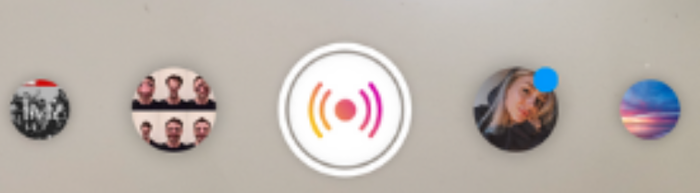
Next, follow the onscreen instructions to add a name for your Room. The name matters because it tells your audience what to expect, so keep it short and catchy.
Once you’ve named the Room, you can either start a live broadcast and wait for users to join or invite them manually.
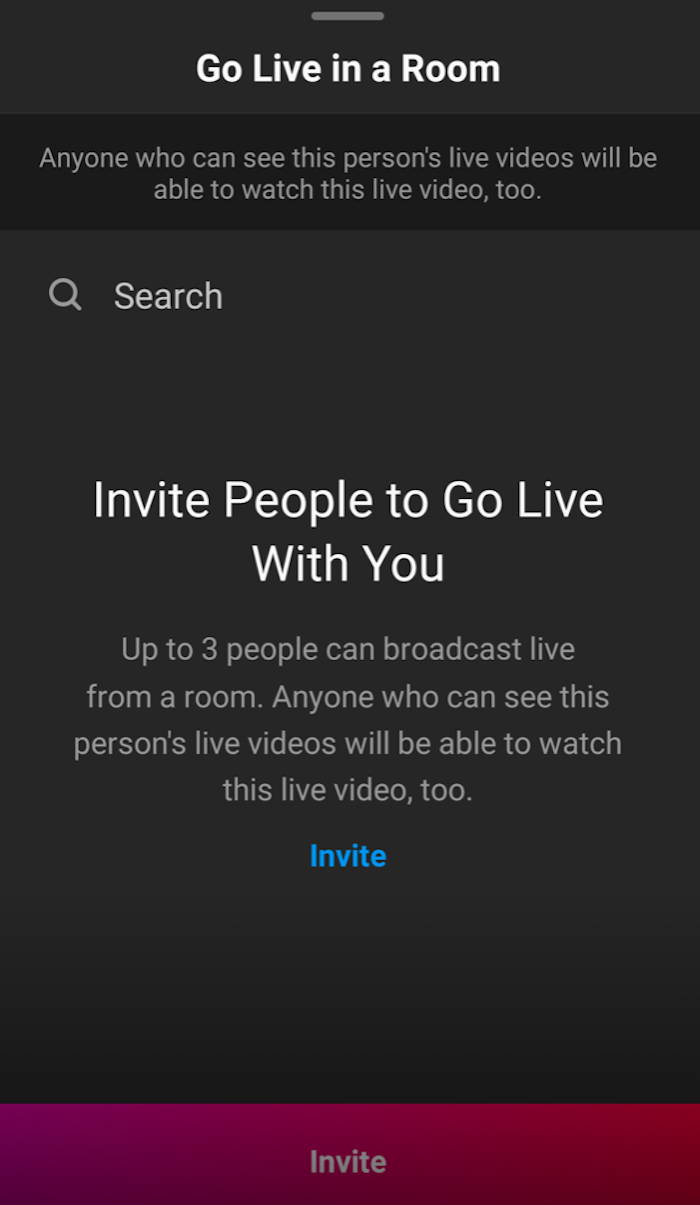
You can either add all your guests at once or bring …read more
Source:: Kiss Metrics Blog