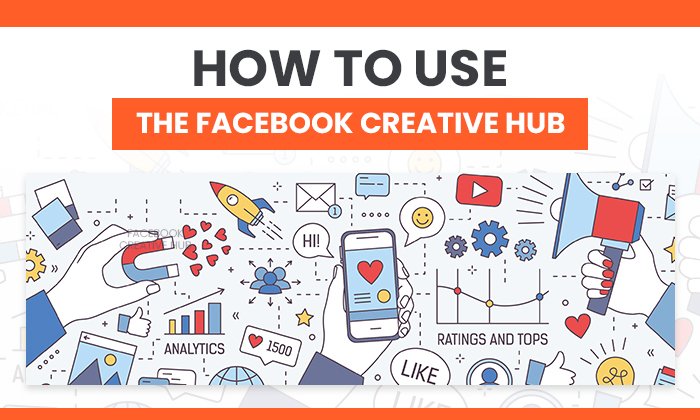
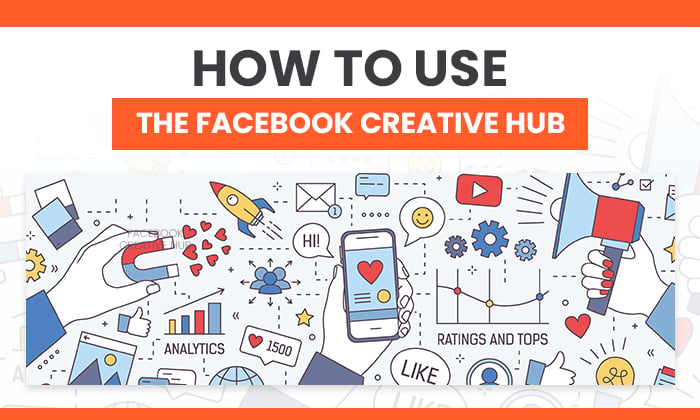
How to Use The Facebook Creative Hub

By danielle
According to a study by HubSpot, over 30 percent of marketers say Facebook Ads provide the highest return on investment.
Struggling to see ROI with your ads? You’re not alone.
It’s tough making a Facebook ad that stands out, appeals to your audience, and converts. Then there are all the different ad formats to consider, making sure your images pass the text checker, writing the copy, getting final creative approval–and that’s all before you set up targeting inside the Ads Manager.
If you’re over throwing money at ads and not seeing your conversion rates improve, Facebook Creative Hub could be the answer to your woes.
The platform is incredibly powerful for finding strategies the top brands are using and implementing them into your creative before you hit publish.
By the time you finish reading this post, you’ll have a solid understanding of:
- What the Facebook Creative Hub is
- Why you need to use it as a marketer
- How to use the Creative Hub and what metrics to track
What Is Facebook Creative Hub?
The Facebook Creative Hub is an incredible feature designed to help you create better Facebook Ads. At its core, it’s an ad mock-up generator making it easy for you to create, test, review, and share ads before you hit “Publish.”
However, Facebook Creative Hub isn’t an average ad mock-up tool.
It’s a powerful way to find inspiration for your next campaign. Browse real-life examples from top brands, filter by ad type, and see their exact strategies for success.
What Value Does the Facebook Creative Hub Provide for Marketers?
As I mentioned earlier, Facebook Creative Hub is so much more than a full rendering of your creativity.
Here are some of the biggest benefits marketers can expect from the Facebook Creative Hub.
Find Inspiration
When Creative Hub first launched, a “Get Inspired” button helped you stumble across successful ad campaigns. Today, the button is long gone, but the inspiration page is still alive and well.
Filter by ad format and select from:
- photo
- video
- carousel
- instant experience
- stories
- Messenger
Filter by a platform such as:
- Messenger
- Audience Network
You can also browse the Featured and Leaderboard sections for even more ad inspiration.
Once you’ve found something you like, click the “Create Mockup” button and start creating!
Create Ad Mock-Ups Like a Pro
Are you a bit intimidated when it comes to creating mock-ups? Or do you feel as a busy marketer, it’s simply a waste of time?
Facebook Creative Hub is here to make the entire process quick and effortless while helping you see more ROI with your Facebook Ads.
Simply click the “Create Mockup” button, and you’ll enter a screen where you can see exactly what the final product of your ad will look like.
By combining your ad inspiration and the editor, you’re setting yourself up to create a powerful Facebook Ad.
Make Sure Your Images Won’t Sink Your Reach
If you’ve created Facebook Ads in the past, you’ll know the platform is strict on which images get approved.
Use something with too many words over your graphic, and your reach …read more
Source:: Kiss Metrics Blog