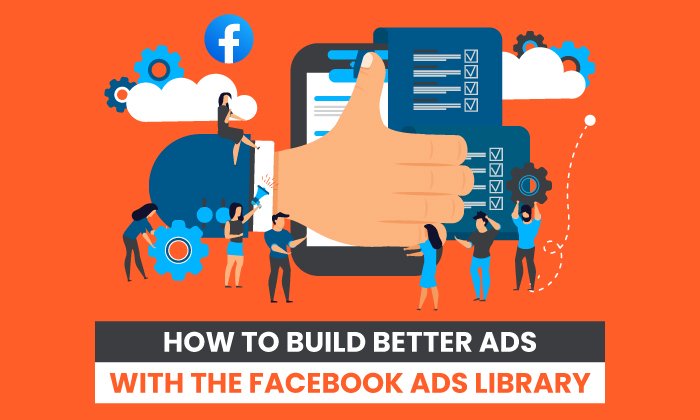
How to Build Better Ads With the Facebook Ads Library

By Neil Patel

What if you could see every ad currently live on Facebook? Imagine the data, ideas, and revenue you could generate.
You no longer have to imagine. Facebook Ad Library gives you free access to view any ad currently live on the Facebook ecosystem.
With one of the largest advertising audiences on the internet at an estimated 2.74 billion people and a ridiculously competitive CPC of $0.43, Facebook is one of the best places to advertise online.
Today I’m going to show you how you can use the Ad Library to make it even better and send the conversion rates of your Facebook ads soaring.
What Is the Facebook Ad Library?
Facebook Ad Library is a free, public database of every ad currently active on Facebook, Messenger, and Instagram. Users can view every detail of the ads, including the copy, the image, how long it’s been live, when it launched, and any versions being A/B tested.
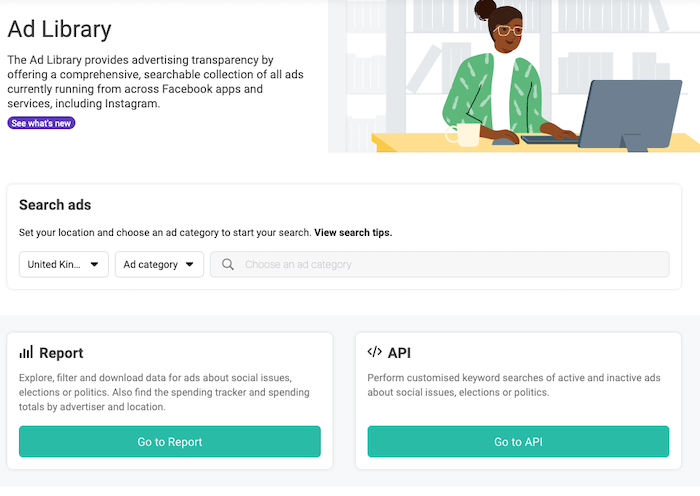
Facebook initially launched the library to improve the transparency of advertising on the platform and avoid claims of election interference. But the Ad Library is so much more than this. It’s an incredibly powerful tool marketers can use to transform their Facebook Ad campaigns.
How Do I Get Started With Facebook Ad Library?
You don’t need a Facebook account to access Facebook’s Ad Library, but you won’t be able to take advantage of all its features, so you should get one. (That said, if you want to advertise on Facebook, you should have one anyway.)
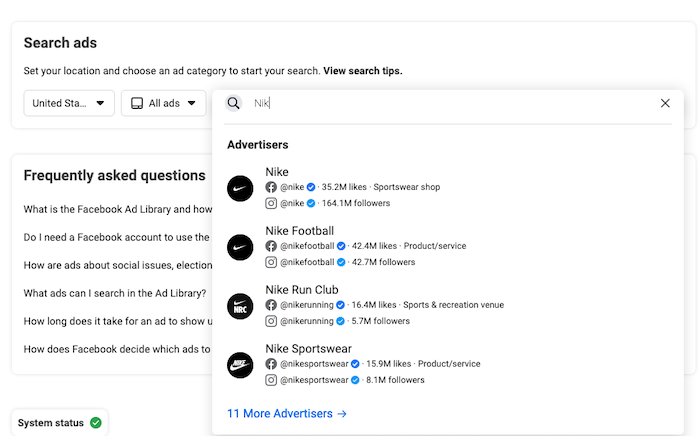
Start by searching for a brand and clicking on the relevant name from the drop-down menu.
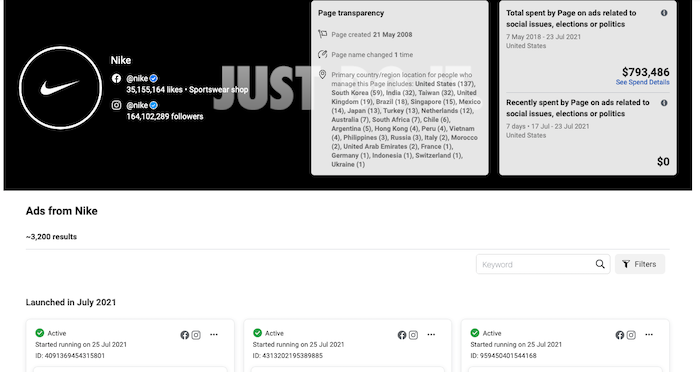
You’ll now see a page displaying information about the advertiser, including when they created the ad, how many ads they have running, and the location of moderators.
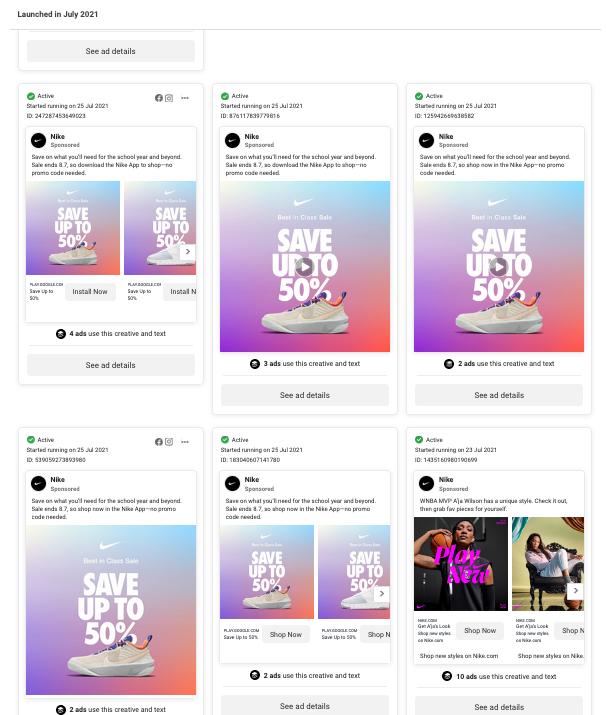
Scroll down a little further to see ads in a grid. You can click “See Ad Details” to see more information about a particular ad.
8 Ways to Use the Facebook Ad Library to Create Better Ads
There are many different ways you can leverage the power of the Facebook Ad Library to create better ads. Here are eight to get you started.
1. Explore Ads From a Variety of Industries
The first thing everyone does when they access Facebook Ad …read more
Source:: Kiss Metrics Blog