The Ultimate Guide to LinkedIn Groups

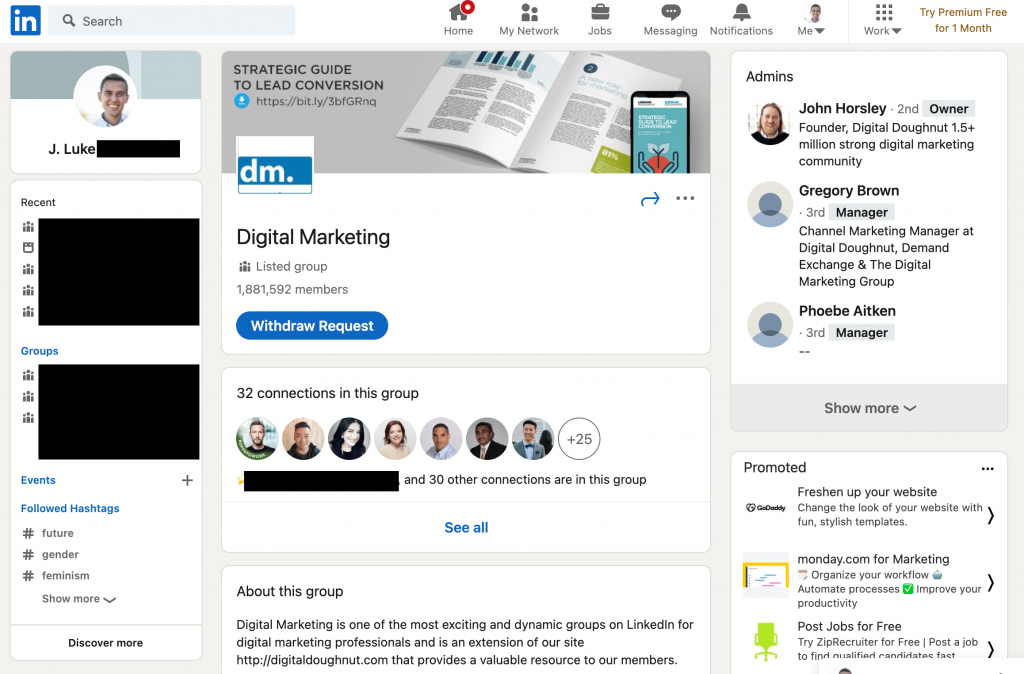
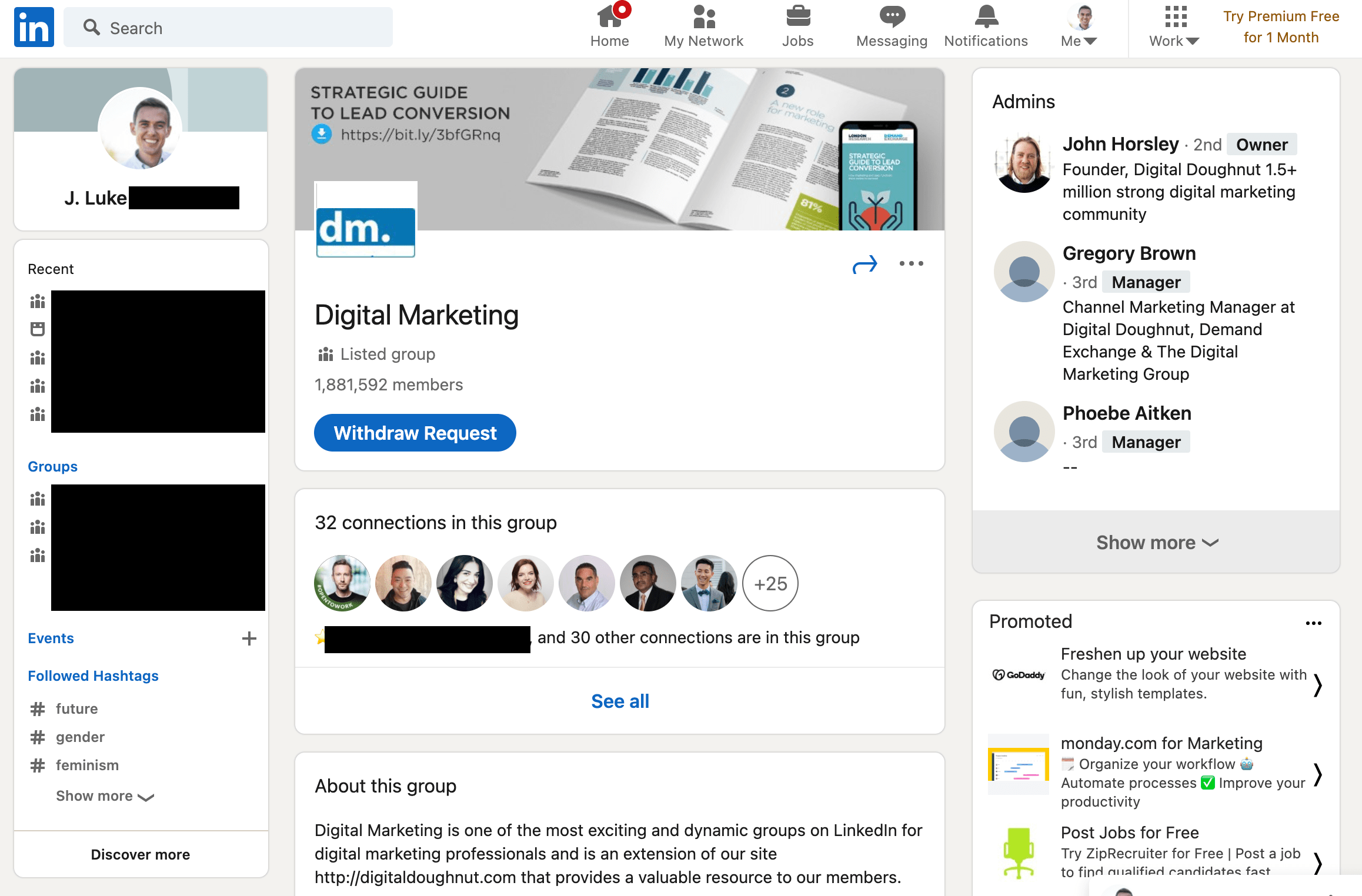
You know LinkedIn — the professional, polished, responsible sibling of the social media sphere.
Considering the social network has 722 million+ members, you almost certainly already have a profile.
The stats about its effectiveness and usage are mind-boggling: for instance, three people are hired every minute on LinkedIn, and the network reports a 55% increase in conversations between connections just in the last quarter.
If you’re anything like me, you read these stats and get the feeling you should be getting more out of your LinkedIn experience. But navigating a world of over 700 million individuals can seem pretty daunting – and, like any social network, there’s plenty of spammy content from publishers clogging feeds with self-promotional materials.
You’ve probably seen these cringe-worthy posts. Things like: “I was rushing into a job interview, but stopped to help a woman collect a bunch of papers she’d dropped in the lobby. Turned out she was the hiring manager. I got the job on the spot. #karma”
But, unique amongst social media platforms, you can rest-assured that individuals show up on LinkedIn thinking about work. This means LinkedIn users are primed for social selling, and there are ample opportunities to find, connect, and build relationships with potential prospects on the network.
The data backs this up: a HubSpot study of over 5,000 businesses found LinkedIn traffic generated almost three times the visitor-to-lead conversion rate of either Twitter or Facebook.
This is extremely valuable in any profession – and especially if you work in the B2B space.
Get the essential guide to using LinkedIn for marketing and professional networking.
So, how do you focus in on a community of people from your industry or with shared interests to get the most out of this massive network? Enter: LinkedIn Groups.
Here, we’re going to explore what LinkedIn Groups are, as well as LinkedIn Group best practices, and the most impressive Groups to join on the network. Let’s dive in.
What are LinkedIn Groups?
LinkedIn Groups is a dedicated space for professionals to share expertise, seek advice, and build meaningful relationships. They’ve been around for a while, but, as the trend in social media moves towards more intentional, self-selected communities, their importance continues to grow.
Groups represent a targeted opportunity to build your personal brand and professional community on LinkedIn.
Only members of a given group can view, post, or comment on conversations within that group. Groups can set their own admissions criteria and establish admins as gatekeepers.
By default, your Group affiliations show up at the bottom of your LinkedIn Profile under the ‘Interests’ section. You can edit the visibility for specific groups –– just one of the many ways to customize how your LinkedIn Profile represents your personal and professional brand.
Unlisted Groups don’t appear in search results, and only fellow group members will see the group’s …read more
Source:: HubSpot Blog